How to Add Text and Captions in CapCut Step by Step
Add Text and Captions in CapCut is one of the most important editing skills today. Many people watch reels without sound. If your video has no captions, viewers may scroll away. Honestly, clear text can double your engagement.
When you Add Text and Captions in CapCut, you make your content easy to understand. It assists in tutorials, motivational videos and vlogs, or even funny reels. Throughout this guide, I would be writing out the steps in very simple English.
You will get to know how to manually type, use auto captions and how to set styles. Let us start.
Why Add Text and Captions in CapCut for Better Engagement
Most users watch short videos in public places. They often keep sound off. If your message is only in audio, many people will miss it.
When you Add Text and Captions in CapCut, viewers can read while watching. This increases watch time. It also helps people who have hearing problems.
In CapCut 2026 update, caption tools feel more accurate and smooth. I personally noticed better speech detection in English. It saves time.
Captions also improve professionalism. Clean and readable text makes your video look serious and well edited.
Different Ways to Add Text and Captions in CapCut
There are two main ways. First is manual text. Second is auto captions. Both are useful.
Manual text is good for short titles, names, or important words. Auto captions are better for long speech or tutorials.
You can also use text templates with animations. These give stylish look. Honestly, mix of manual and auto captions works best.
How to Add Text and Captions in CapCut Manually
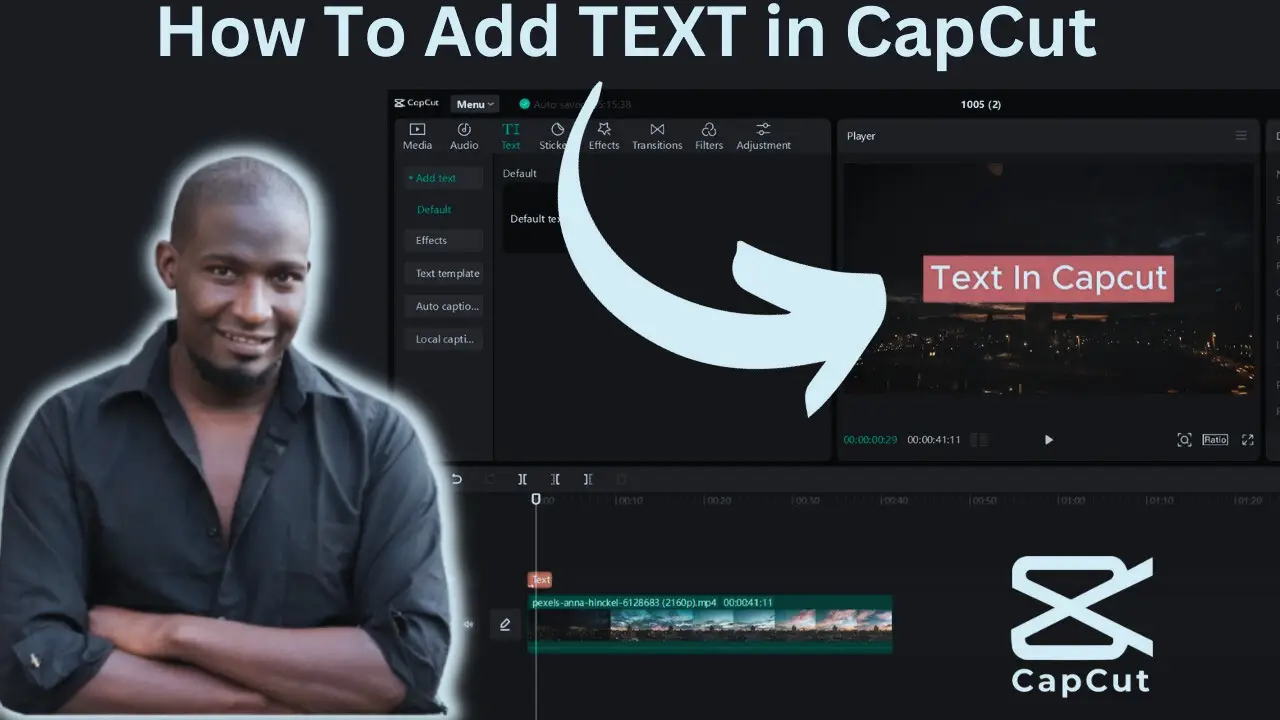
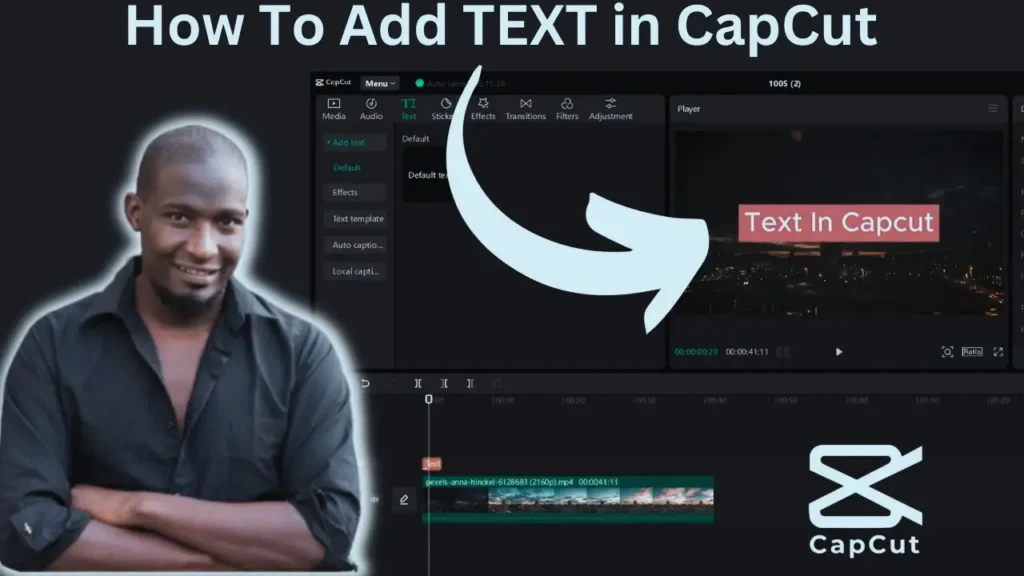
Open your project in CapCut. Tap on Text option at bottom menu.
Click Add Text. Type your message. Adjust font, size, and color.
Drag text layer on timeline to set duration. Place it exactly where needed.
You can also add animation like fade in or slide. Keep it simple for better readability.
How to Add Text and Captions in CapCut Using Auto Captions
Open your project. Tap on Text. Choose Auto Captions.
Select language. Press generate. The app will convert speech into text automatically.
After generation, review carefully. Fix spelling or grammar mistakes manually.
This method is very fast for long videos. It saves editing time.
Common Problems While Adding Captions
Sometimes auto captions do not generate. This usually happens because of poor internet. Auto captions need online connection.
If captions look wrong, check selected language. Wrong language causes incorrect text.
Avoid using CapCut Mod APK because unofficial versions may break caption features or cause bugs.
If text overlaps, adjust size and position manually on timeline.
Pro Tips for Better Text and Caption Styling
Use simple fonts. Fancy fonts are hard to read. Add shadow or background box behind text for better clarity.
Keep sentences short. Do not fill screen with too many words. Break long speech into small lines.
Maintain same style in full video. Consistency looks professional.
If you use CapCut Pro Download from official store, you may access more font styles and effects.
Always preview before exporting.
Conclusion
Add Text and Captions in CapCut is not difficult. And it is easy and quite strong. Captions allow individuals to get the message even without music.
Use manual text for titles and auto captions for long speech. Keep fonts clean and readable. Avoid too many effects.
Frankly speaking, as soon as you learn the proper ways on how to Add Text and Captions in CapCut, your reels will appear more professional and attractive.
Begin to add captions in your next video and watch how the viewers react differently.
FAQs
- How to Add Text and Captions in CapCut?
Open project, tap Text, choose manual or auto captions, adjust style, and export video. - Is auto caption free in CapCut?
Yes, basic auto caption feature is free, but some advanced tools may require premium access. - Does CapCut 2026 improve auto captions?
Yes, CapCut 2026 update includes improved speech detection and better accuracy. - Can CapCut Mod APK affect captions?
Yes, unofficial versions may cause caption errors or feature limitations. - Is CapCut Pro Download better for text features?
Official CapCut Pro Download may offer more fonts and advanced text effects. - Why auto captions not generating?
Usually due to poor internet connection or wrong language selection. - Can I edit auto captions manually?
Yes, after generating captions, you can edit text and timing manually. - How to change caption font style?
Select caption text, then adjust font, size, and color from text settings menu. - Do captions increase reel engagement?
Yes, captions improve clarity and watch time, which can boost engagement. - Is internet required for auto captions?
Yes, auto captions need internet to process speech into text.