How to Turn 16:9 Video to TikTok Format CapCut in 2026
How to Turn 16:9 Video to TikTok Format CapCut is something many creators want to learn today. Majority of the people take videos in horizontal mode since the phone and cameras are set to default there. Frankly, these videos are not right when they are uploaded to Tik Tok and can be easily forgotten.
TikTok favors the verticals as we are aware. The screen fills better and viewers stay longer. A 16:9 video often shows black bars or cuts faces. Well, this can hurt your reach and make your content look less professional.
In this guide, you will learn How to Turn 16:9 Video to TikTok Format CapCut in a very simple way. Everything is explained clearly. You know, even if you are new to editing, you can follow along and get clean results.
What Is TikTok Video Format and Aspect Ratio
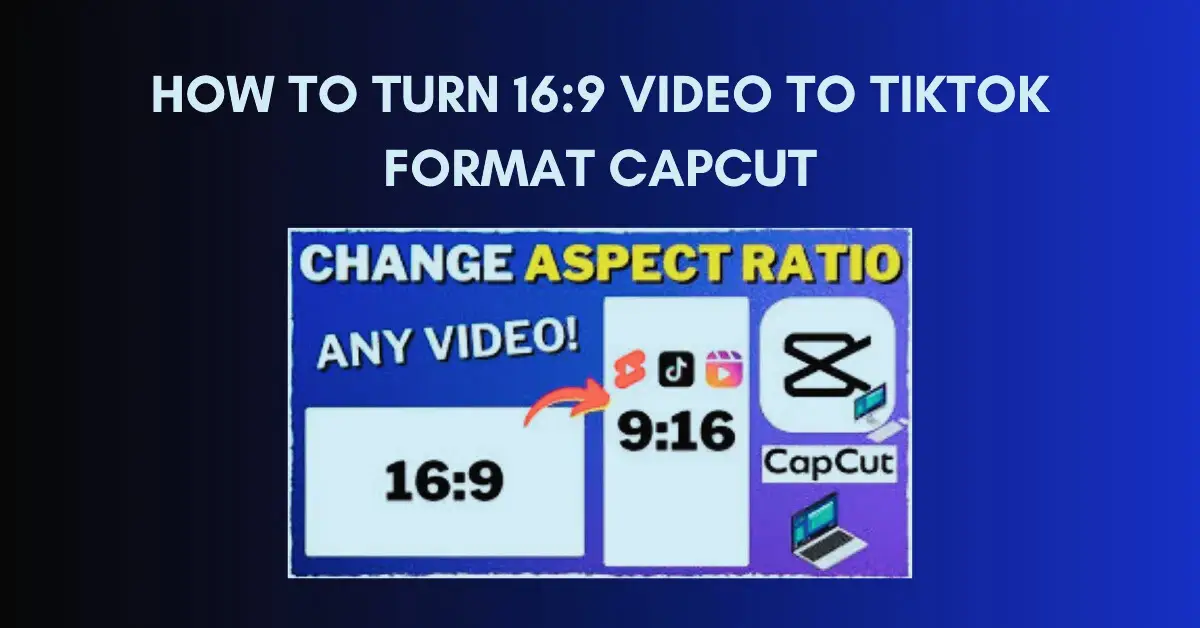
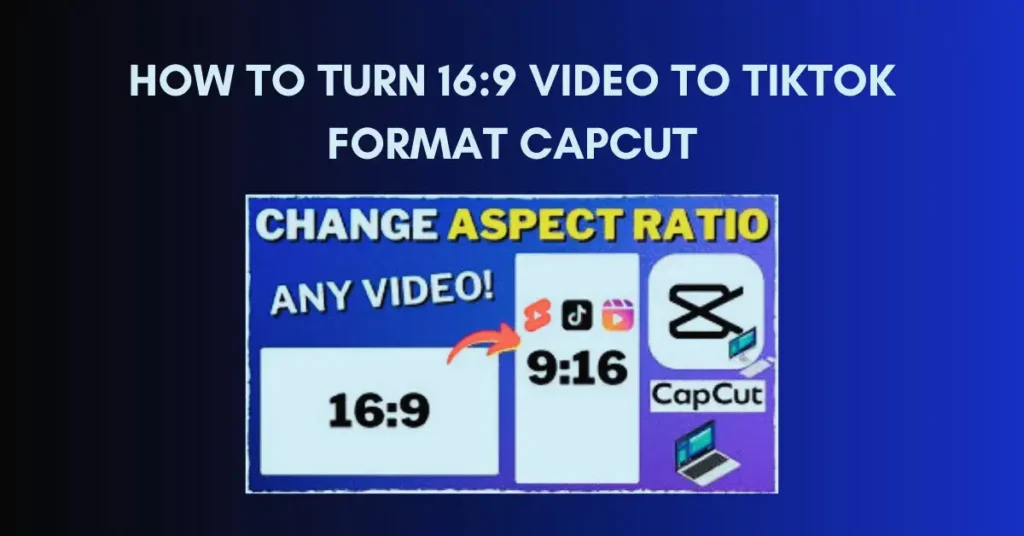
TikTok uses a 9:16 aspect ratio. This means that it is a tall video and not a thin one. It fits perfectly on the phone screen and it is natural to scroll through it.
A 16:9 video is horizontal. It is popular with YouTube and not with Tik Tok. When uploaded directly, TikTok either crops it or adds black space. That is why converting the format is important before posting.
Why Use CapCut to Convert 16:9 to TikTok Format
One of the simplest will be CapCut, which is an editing application. It is slim, quick and mobile oriented. Many beginners prefer it because they do not feel confused while editing.
Another reason is flexibility. CapCut for Android works smoothly on most phones. You can change canvas size, move clips, and export without watermark. Well, that makes it a strong choice for TikTok creators.
How to Turn 16:9 Video to TikTok Format CapCut
Setting Canvas Size Correctly in CapCut
Firstly, open CapCut and make a new project. Add your 16:9 video. Then go to the ratio option and select 9:16. This sets the correct TikTok format.
From my experience, always set the canvas first. It avoids later issues. When you do this step right, converting becomes simple and clean.
Adjusting Video Position and Scale
After setting the ratio, your video may not fit perfectly. You need to zoom or move it. Always have the main subject in the center. Avoid cutting faces or text.
With How to Turn 16:9 Video to TikTok Format CapCut, I suggest gentle zoom. Do not stretch the video. Stretching reduces quality and looks fake, honestly.
Best CapCut Settings for TikTok Videos
Export 1080p resolution. Choose frame rate of 30fps or 60fps, according to your video. These locations are most effective in Tik Tok.
Also, turn off unnecessary filters before export. Clean videos perform better. You know, TikTok compression already does enough processing.
Common Mistakes While Converting 16:9 to 9:16
Over zooming is one of the common errors. This makes the video blurry. Always zoom only when needed.
Another mistake is ignoring safe areas. TikTok adds buttons on the screen. Keep important text away from edges to avoid hiding content.
Using CapCut Pro for Better TikTok Results
CapCut Pro offers advanced features like better effects and higher export control. If you post daily, it can save time and improve workflow.
Still, free users can do great work. CapCut Pro is helpful but not required. Skills matter more than tools, you know.
CapCut Pro APK Truth and Safety Tips
A lot of individuals find CapCut Pro APK on the internet. Honestly, this is risky. These files may damage your phone or steal the information.
Always use the official app. Safety is more important than premium features. A secure device lets you focus on creativity without worry.
Conclusion
Converting videos correctly is very important for TikTok success. Vertical format helps viewers enjoy content fully and stay longer.
CapCut makes this task simple for everyone. You do not need a computer or advanced editing skills. Just your phone and some patience.
Training on various clips. The only thing you can do is to work out what you suit. As time passes, you will be able to make videos more professional and interesting.
So start today. Try How to Turn 16:9 Video to TikTok Format CapCut and give your content the attention it deserves.
FAQs
1. What is the best aspect ratio for TikTok videos
The best aspect ratio is 9:16. It fills the entire screen and seems to be natural on the mobile devices.
2. Can CapCut change 16:9 video to 9:16
Yes, CapCut allows easy ratio change. Clips can be resized and edited, which does not compromise much on quality.
3. Is CapCut free for TikTok editing
Yes, most features are free. You can convert and export videos without watermark.
4. Does resizing reduce video quality
If done correctly, quality stays good. Not to dilute the picture, avoid stretching and excessive zooming.
5. Can I convert old YouTube videos for TikTok
Yes, it is possible to convert old 16:9 videos. Just adjust framing carefully to keep key parts visible.
6. Is CapCut good for beginners
Yes, CapCut is user friendly. The user interface is not complex.
7. What resolution should I export for TikTok
1080p is recommended. It balances quality and upload speed well.
8. Should I crop or zoom video
Zoom slightly if needed. Excessive cutting may eliminate significant information.
9. Does TikTok accept 16:9 videos
Yes, but they are not good performers. Vertical videos receive increased coverage and interaction.
10. Can I edit TikTok videos on Android
Yesterday, CapCut Pro is compatible with Android and has taken full editing on Tik Tok.